Home › Blog › How to Plan a Practical Boardroom Setup
How to Plan a Practical Boardroom Setup
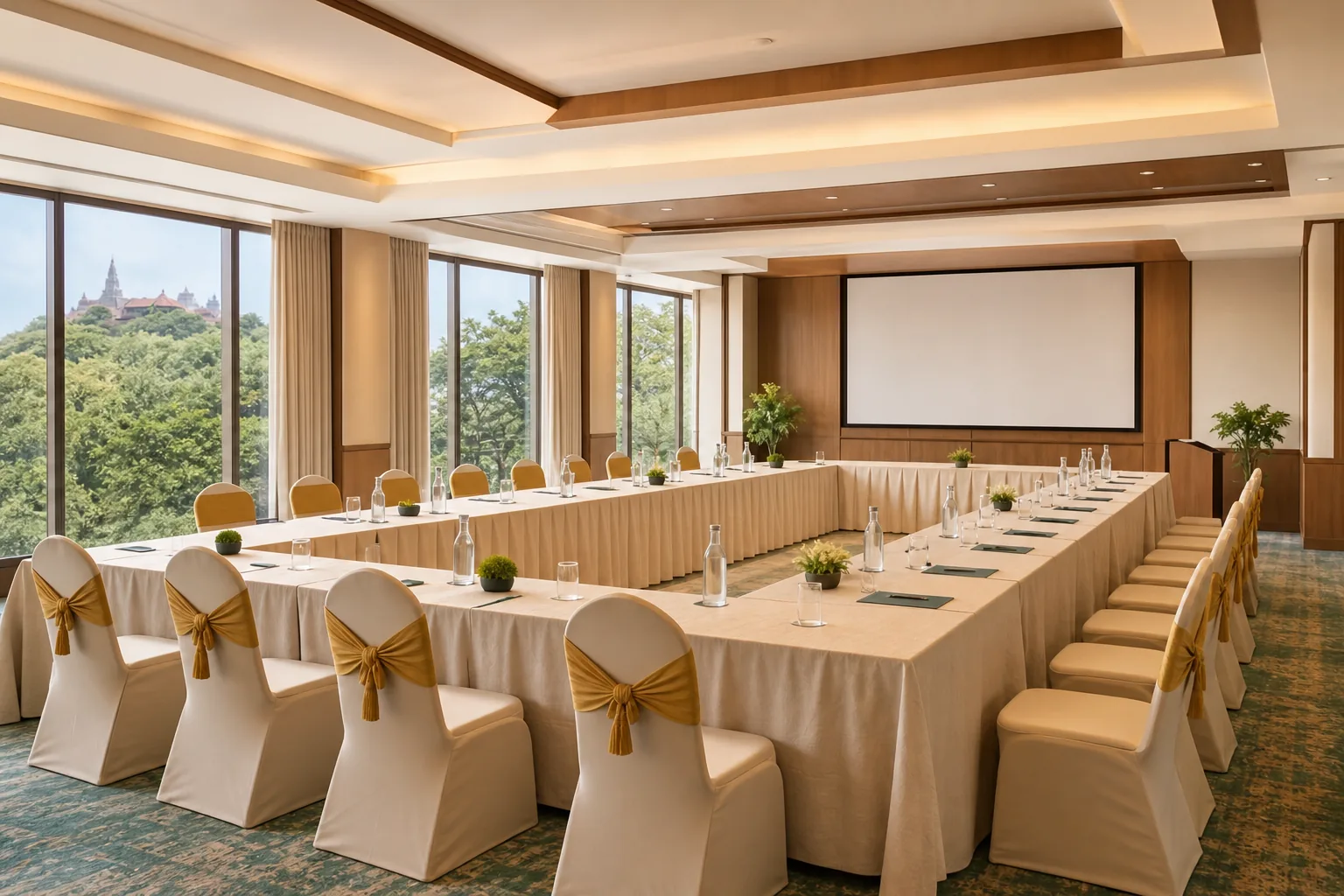
A boardroom can look ready and still fail the moment a remote guest can’t hear the discussion. A good boardroom setup starts with the meeting itself, then matches the layout, furniture and technology to the people in the room.
We analyzed 44 comments and questions from YouTube and Quora about boardroom setup and found that 30% mentioned a complete equipment list.
Use these five steps to plan a room that works for in-person and hybrid meetings, or to assess a meeting venue in Guwahati.
Step 1: Set the meeting purpose, headcount and layout
Start with the meeting, not the furniture catalogue. Write down what people will do, how many will attend in person, and whether anyone will join online. A board meeting needs a different arrangement from staff training or a client presentation.
Then choose a layout that supports the task:
- Boardroom: A central table suits discussion where everyone needs to see one another. It works well for leadership reviews and client meetings.
- U-shape: Open the table towards a screen or presenter. This arrangement supports discussion and lets people see the front of the room.
- Theatre: Face rows of chairs towards a speaker or screen. Use it when people mainly need to listen, rather than work at a table.
- Classroom: Set tables in rows facing forward. Choose it for training or sessions that need note-taking.
Count seats in the layout you’ll actually use. A room may fit more people in theatre style than around a boardroom table, so don’t rely on one headline capacity for every meeting. Leave enough room for chairs to move and for people to enter and exit without squeezing past a seated colleague.
For a table, plan for each person to have space to work. Allow enough table edge for each attendee to sit and work comfortably. Confirm the final fit against your room dimensions and the chair size.
If you’re booking a venue instead of furnishing an office, ask for capacity by layout. Hotel Shiny Grand’s meeting venue near Guwahati Airport seats 100 theatre-style, 60 classroom-style and 30 in a U-shape. Those figures make it easier to pick a room arrangement that fits the agenda, not just the guest count. For attendees flying in, check flight timings on the Airports Authority of India website, and use Assam Tourism for local travel information.
Milestone: You should now have an attendee count, a likely layout and a clear reason for choosing it.
Step 2: Choose furniture and arrange the room for comfort
Choose furniture for the longest meeting the room will host. A chair that feels fine for twenty minutes may become a distraction during a two-hour review. Sit in sample chairs before ordering, and check that people can adjust their seat height and back support.
Keep chair models and finishes consistent where possible. A matching set makes the room feel planned, while different chair heights can create awkward sight lines around the table. If the space is used for long sessions, give comfort the same weight as appearance.
Measure the table and chairs together. A large table can look impressive but leave too little space to pull out a chair or walk behind someone. Mark the table footprint on the floor with removable tape, then place chair outlines around it. Walk the route from the door to each seat and check that someone can pass without interrupting a meeting.
Think through what people will bring. Laptops need accessible power. Printed packs need a clear place on the table. A small side surface can hold items that would otherwise crowd the work area. If the room has a whiteboard, position it where people can see it without turning away from the speaker for long.
Integrated table power can reduce loose cables on the tabletop. Before you choose it, check what connections your team’s devices use and where the room’s power comes from. Plan the cable route too. A neat module on the table is no help if its cord crosses a walking path.
For smaller offices, consider furniture that can move or stack if the room has other daily uses. But test the full meeting layout before you commit. The room should still have clear access to seats and equipment when it’s set for its main use.
Milestone: You should be able to picture every person sitting, moving and working comfortably in the planned arrangement.
Step 3: Prepare AV, video calls and presentation technology
For hybrid meetings, set up audio first. A crisp display won’t help if a remote attendee can’t follow the people speaking in the room. Match microphone coverage to the table shape, then place speakers so their sound doesn’t feed back into the microphones.
Test from the seats, not only from the presenter’s laptop. Ask someone to join a test call from outside the room and speak from different parts of the table. Check that remote participants can hear questions from the far end, and that people in the room can hear replies without the sound echoing.
Use one video-call platform as the room’s default. When employees have to work out which app, camera or speaker setting to use each time, setup takes longer and support gets harder. Set up the room account and connection steps in advance, then make the instructions easy to find near the meeting controls.
A dedicated camera can show the whole group better than a laptop camera placed at one end of the table. Choose a position that keeps the speaker visible without filming a bright window behind them. For a small room, a straightforward camera view may be enough. For a larger space, check whether the camera can capture people at the far end.
Plan the room around its participants and equipment. Check how the camera, microphones and speakers work together, rather than treating each device as a separate purchase.
Next, test the screen or projector with the room lights on. Make sure text is readable from the seats furthest away. Try the cables and adapters your presenters are likely to bring, and keep a spare connection option in a known place.
Keep a short start-up checklist beside the equipment: power on the display, join the meeting, check the microphone, then test shared content. Before the event, confirm AV inclusions and Wi-Fi access; see the corporate events page for venue details. At Hotel Shiny Grand, meeting AV includes a projector, screen, sound system, microphone and whiteboard, with fast Wi-Fi.
For Hotel Shiny Grand’s half-day corporate meeting package, rates start at ₹15,000 and are negotiable. The package includes a working lunch, tea and coffee, plus GST invoicing. Confirm the meeting requirements and room arrangement before booking so the equipment matches the session.
Milestone: A remote attendee should be able to hear the room, and a presenter should be able to share a screen without troubleshooting in front of the group.
Step 4: Check lighting, acoustics and room noise
Check the room at the time of day your meetings usually happen. Sunlight shifts, and a screen that looks clear in the morning may be hard to read later. Look for glare on the display and on laptop screens from each seat.
Use even light across faces during video calls. A strong light behind a speaker can make their face look dark on camera. If possible, position the camera so it faces into the room rather than towards a bright window. Use adjustable lights or blinds to manage changes in daylight.
Then listen for echo. Hard floors, glass and bare walls can make speech bounce around the room. A simple test is to clap once from the centre and listen for a long, sharp tail. If speech sounds hollow, add soft surfaces where they fit the room, such as curtains or fabric wall panels.
Don’t cover vents or block access to equipment when adding sound treatment. Check the room with the air-conditioning running, since fan noise can mask quieter voices on a call. Close the door and listen from the table. If hallway chatter is easy to hear, plan for a quieter meeting time or look at ways to reduce noise near the entrance.
Make a short test call before an important hybrid session. Ask the person joining remotely whether they hear echo, fan noise or unclear speech. Move the microphone or adjust speaker placement, then test again. Small changes to placement can fix a problem that a more expensive screen won’t.
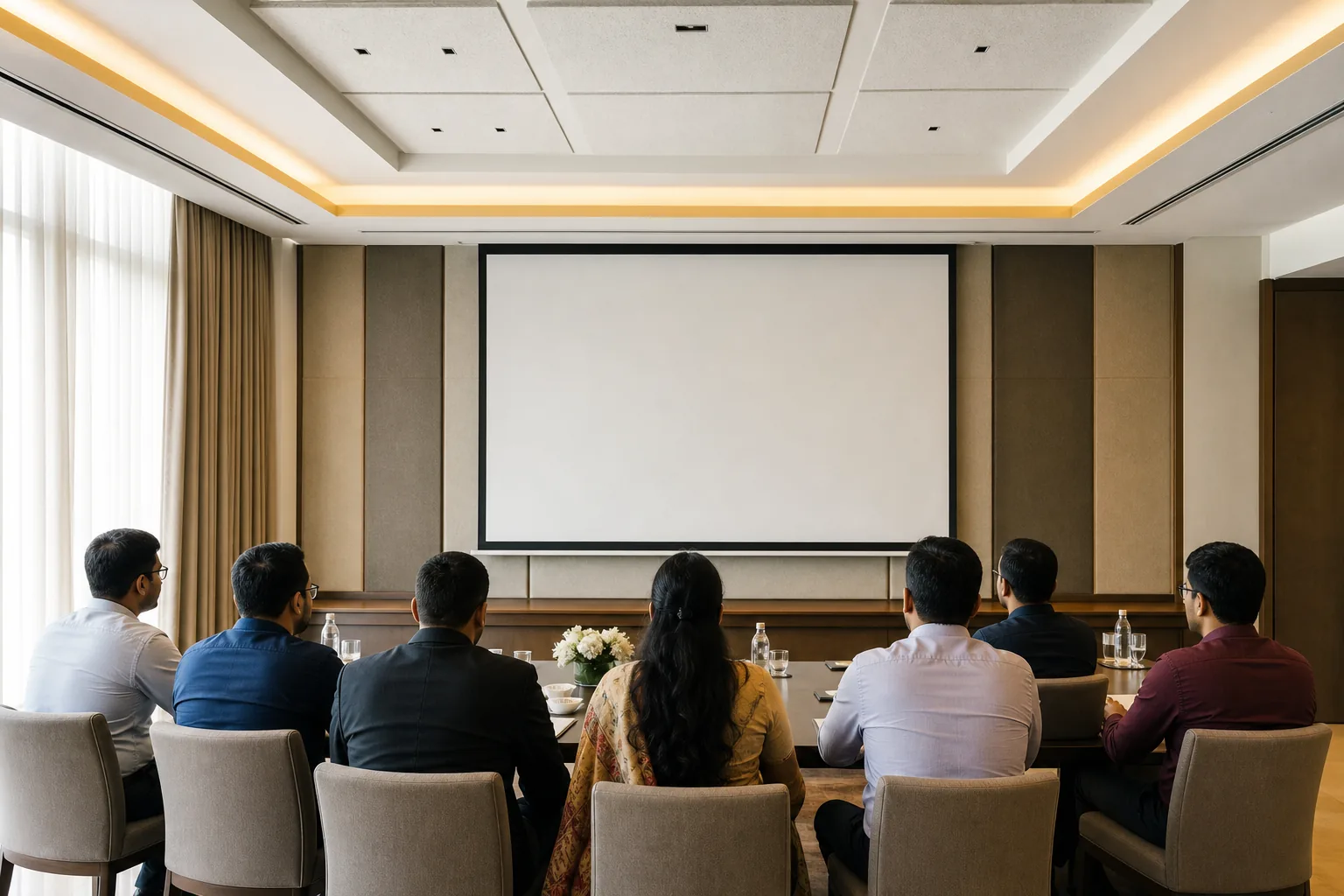
Milestone: The room should sound clear with the door closed and the air-conditioning on, while faces and screen content remain visible.
Step 5: Set the budget, branding and final room check
Write down the full cost before buying equipment or booking a venue. For an office, list furniture, AV, power access, installation and ongoing upkeep as separate lines. Buy only what the meeting needs. A small room used for discussion may not need the same display or camera setup as a large training room.
For a venue booking, ask which items are included and what changes the price. At Hotel Shiny Grand, hall rental starts at ₹25,000 and can be waived for 60 or more guests. Catering is available for any guest count, tailored to your requirements. Per-plate rates are Silver at ₹650 to ₹750 per plate, Gold at ₹850 to ₹950, and Platinum at ₹1,100 to ₹1,250 per plate. Applicable taxes are extra. Ask for an itemised quote based on your headcount and chosen layout.
If you’re planning a corporate session, include the half-day meeting package in your cost check. It starts at ₹15,000 and is negotiable. The package includes a working lunch, tea and coffee, while GST invoicing is available. Confirm which AV equipment you need before finalising the booking.
Keep branding simple. A clear company name on a clean backdrop may be enough for a client meeting or video call. Avoid placing bright signs behind speakers, where they can distract or create glare. Make sure any welcome sign is easy to spot from the entrance.
Before the first meeting, run through the room in order. Set the chosen layout, check the chairs and test table power. Then test the display, microphone and speaker with the video-call platform. Look at the camera view from a remote device, and remove loose cables from walkways.
Keep the final checks in a short handover note so anyone preparing the room can repeat them. Include who sets the layout, where adapters are kept and how to start the call. If the room is at a venue, confirm the layout, AV needs and meal timing with the event team in advance.
Milestone: You should have a written budget, one person responsible for setup and a repeatable check before each meeting.
Frequently asked questions
What is the best layout for a boardroom?
The best layout depends on what people need to do. Use a boardroom arrangement for group discussion around one table. Choose U-shape when a presenter needs the open end of the room. Theatre works for talks, while classroom seating suits training with note-taking. Confirm the seat count for that exact layout before ordering furniture or booking.
How much space should each person get at a boardroom table?
Allow about 600 to 750 mm of table edge for each seat as a planning guide. That gives each person room for a laptop or papers, but the table measurement alone won’t prove the room fits. Check chair width and movement space too, then test the layout with the actual room dimensions.
What AV equipment does a hybrid boardroom need?
A hybrid boardroom needs a display or projector, a camera, microphones and speakers that work together. Test audio from every seat, since remote attendees need to hear people across the room. Also test the video-call platform and the presenter’s connection before the meeting starts. The best setup is the one staff can start reliably.
How much does a corporate meeting venue in Guwahati cost?
At Hotel Shiny Grand, a half-day corporate meeting package starts at ₹15,000 and is negotiable. It includes a working lunch, tea and coffee, with GST invoicing available. The banquet hall rental starts at ₹25,000 and may be waived for 60 or more guests. Catering is available for any guest count, tailored to your requirements, so request an itemised quote for your layout and group size.
How many people can Hotel Shiny Grand’s meeting hall seat?
Hotel Shiny Grand’s hall seats up to 100 people theatre-style, 60 in classroom style, or 30 in a U-shape. Choose the capacity that matches your planned arrangement, not the largest figure alone. The venue includes a projector, screen, sound system, microphone, whiteboard and fast Wi-Fi for meetings.
Plan the room around the meeting
Start with the attendee count and purpose, then choose the layout before buying furniture or booking a venue. Test audio and visibility from every seat. If you’re planning a meeting in Guwahati, ask Hotel Shiny Grand about its meeting hall and package or WhatsApp +91 91815 56418 with your date, headcount and preferred layout.