Home › Blog › Hotel Bill Format: Sample, Fields and GST Tips
Hotel Bill Format: Sample, Fields and GST Tips
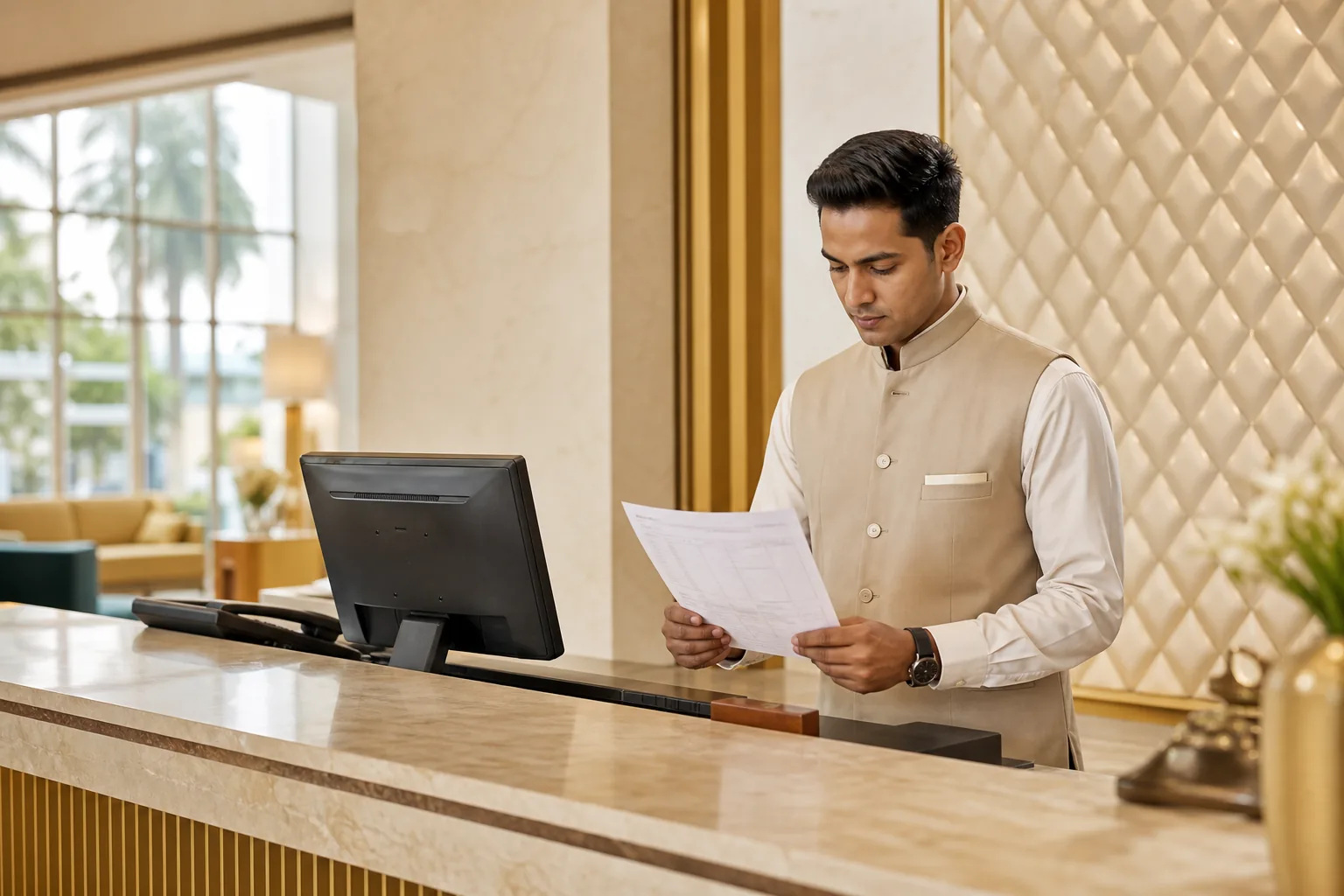
A hotel bill can look busy, but each line should answer a simple question: what was charged, for which service, and how was tax worked out? This hotel bill format guide gives you a sample layout, explains the key fields, and shows when Word, Excel or PDF makes sense.
Hotel Bill Format: Purpose, Key Fields and Invoice Difference
A hotel bill format is a reusable layout for recording a guest’s stay and the amount due. It helps the front desk show room charges, extra services, taxes and payment details in one clear record.
Start with the hotel’s name and address, then add the bill or invoice number and date. Include the guest’s name and the stay dates. A room number can help staff trace the stay, but avoid adding personal details that the bill doesn’t need.
List each charge on its own line. For a room, show the rate, number of nights and line total. Add food, laundry or other paid services only if the guest used them. Show any advance payment, the balance due and the payment method near the total.
A bill and an invoice often refer to the same checkout document in everyday use. An invoice is the formal record of charges. A bill is the amount the guest needs to settle. The document can act as both, but its title doesn’t replace accurate details or a clear tax breakdown.
For a GST-registered hotel, include the supplier’s GSTIN and the applicable tax details. Show the relevant tax split, such as CGST and SGST or IGST, and include HSN or SAC details where they apply. GST rules can change, so check current government GST guidance before setting a tax formula in a template.
Dates matter too. Guests may need to match the bill to their travel or expense record, especially when plans change. Keep arrival, departure and booking terms consistent with the hotel room cancellation policy and stay details.
Word, Excel and PDF Hotel Bill Templates: Which to Use
Pick the file type based on the work you need it to do. Word suits layout changes. Excel suits repeat calculations. PDF suits the final copy you send or print.
| Format | Good fit | Check before use |
|---|---|---|
| Word | A small hotel that wants to adjust the page design or add its logo. | Staff must update totals by hand unless they use a separate calculation sheet. Review every amount before saving the final bill. |
| Excel | A front desk that bills similar stays often and wants formulas for subtotals. | Test formulas with a sample stay. Check that tax applies to the right charge and doesn’t get counted twice. |
| A final bill that should look the same on a phone, computer or printout. | Keep an editable source file for corrections. A PDF is best for sharing the final version, not entering changing guest details. |
For a one-off layout, Word can be quick. For a busy checkout desk, a tested Excel sheet can reduce repeated arithmetic. But a formula is only as sound as its inputs. Confirm the room nights, paid extras and tax treatment before relying on the total.
PDF is the handoff copy. It keeps the page layout steady when a guest opens it on a mobile device, and it’s easy to print. Use a clear file name that includes the invoice number or stay date, but don’t put sensitive guest details in the file name.
You can use the sample in the next section as a starting point, then build it in your chosen format. If you bill long stays, settle how charges will be grouped before the guest arrives. A monthly hotel stay and billing arrangement may need regular invoice records instead of one large checkout total.
Keep the design plain. Use one typeface for headings and another size for amounts. Make the grand total easy to spot, and leave enough space for long service names. A guest checking the bill on a phone should not have to zoom in to tell room rent from tax.
A Hotel Bill Sample: Charges, Taxes and Totals
This sample shows the order of information, not a tax calculation. Replace the fields with the actual stay details, then confirm the applicable tax before issuing a bill.
HOTEL NAME AND ADDRESS
GSTIN: [Hotel GSTIN, if registered] Bill / Invoice No.: [Number] Date: [Date]
Guest: [Guest name] Room: [Room number]
Check-in: [Date and time] Check-out: [Date and time] Description Qty / Nights Rate Amount
Room rent [Nights] Rs [Rate] Rs [Amount]
Food or other service [Quantity] Rs [Rate] Rs [Amount] Subtotal Rs [Amount]
CGST / SGST or IGST Rs [Tax amount]
Grand total Rs [Total]
Advance paid Rs [Amount]
Balance due Rs [Amount]
Payment mode: [Method]
HSN / SAC: [Where applicable]
Authorised sign-off: [Name or signature]
For example, a one-night stay in a room priced at Rs 2,500 before taxes would show the room rent as its own line. The applicable tax should then appear in the tax section, based on the current rules and the hotel’s tax status. Don’t copy a rate from an old template just because its formula still works.
Hotel Shiny Grand lists its Single Executive Room at Rs 2,500 per night, with taxes extra. Direct bookings include breakfast, Wi-Fi, parking and a one-way airport transfer. Those included items should not appear as paid charges unless a separate, chargeable service was actually used.
Keep paid extras separate from room rent. If the guest orders food or uses a paid service, name it clearly and show the amount. A single line called “miscellaneous” can make it hard for a guest or accounts team to check what was billed.
For GST, don’t assume every line has the same treatment. Confirm which rate and tax split apply to each charge, then show the tax amount clearly. Ask your accountant to review the setup if your services or billing rules change.
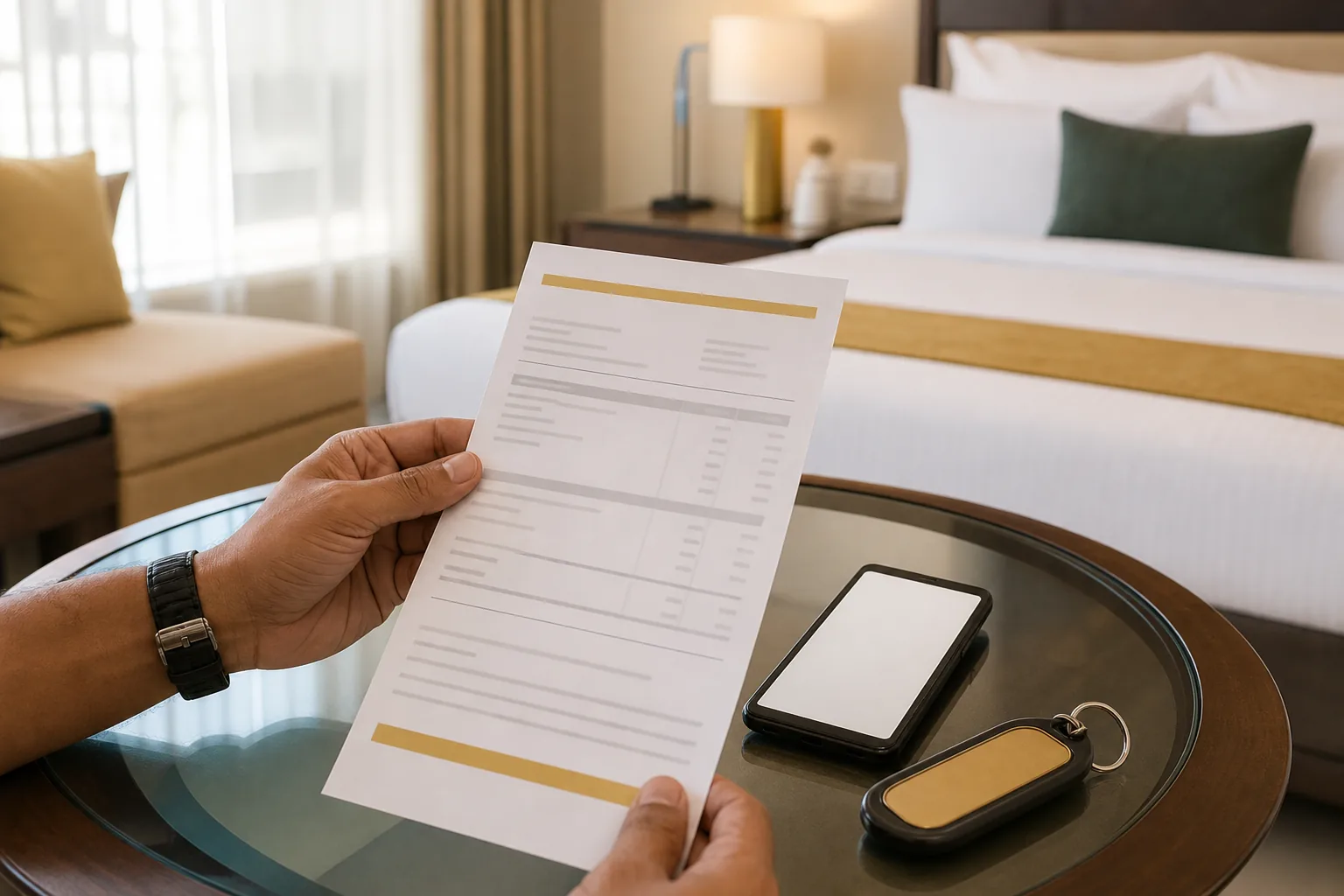
Create, Check and Share a Hotel Bill Correctly
Build the bill around the checkout flow. Enter the guest and stay details first. Then add room charges and any services the guest actually used. Apply the relevant tax settings and calculate the total after all charge lines are in place.
- Set up the template. Add the hotel’s legal name, address and GSTIN when registered. Leave space for the invoice number and bill date.
- Enter the stay. Check the guest name, room, arrival and departure dates, and number of nights against the booking record.
- Add charges. Record room rent and each paid extra on a separate line. Show any advance payment apart from the bill total.
- Check tax and totals. Verify the tax treatment, split and arithmetic. Match the balance due to the payment record.
- Share the final copy. Save or export the approved bill as a PDF for email or print. Keep the editable file in a secure place for corrections.
Before sending, read the bill as if you didn’t know the stay. Can you tell what each charge covers? Can you see the tax breakup and balance due at a glance? Fix unclear labels or cramped columns before the guest leaves.
A QR code or digital payment note can be useful if it points to a payment method the hotel actually accepts. Treat it as an optional aid, not a replacement for the invoice number, itemised charges or payment record. Never put a code on the bill until someone has tested it.
At Hotel Shiny Grand, GST invoices are available for corporate stays. Guests booking direct can review the room options and included services on the direct booking page. Make sure the final bill reflects the services used, rather than adding included booking benefits as extra fees.
Frequently Asked Questions
What should a hotel bill include?
A hotel bill should include the hotel’s details, bill number and date, guest and stay details, itemised charges, applicable tax breakup, total, payment details and balance due. Add a GSTIN when the hotel is registered, plus HSN or SAC details where they apply. Keep paid services separate so the guest can see what each amount covers.
Is a hotel bill the same as a hotel invoice?
Often, yes. People use “bill” and “invoice” for the document that lists a guest’s charges. An invoice is the formal record, while a bill often refers to the amount due. Use a clear title, but focus on accurate guest details, charge lines, tax information and payment status.
Should I make a hotel bill in Word or Excel?
Use Word when you need to change the page design or add a logo. Choose Excel when you want formulas to calculate repeated totals, but test the formulas and tax settings first. For the final copy sent to a guest, export the final bill as a PDF to keep its layout consistent across devices.
How do I show GST on a hotel bill?
Show the applicable rate and tax amount in a clear tax section, with the correct split for the transaction. The right treatment can depend on the charge and current GST rules, so don’t rely on a rate saved in an old template. Check official GST guidance and have an accountant review your billing setup when needed.
Choose a Clear Bill and Keep the Record
For official information, see GST portal.
Use Excel for repeat calculations, Word for layout edits and PDF for the final handoff. Before issuing any bill, verify the stay, charge lines and tax details. For a stay at Hotel Shiny Grand, book direct online and keep the invoice details with your travel records.
To book direct, visit Hotel Shiny Grand or WhatsApp +91 91815 56418.