Home › Blog › Meeting Room Equipment: What a Practical Setup Needs
Meeting Room Equipment: What a Practical Setup Needs
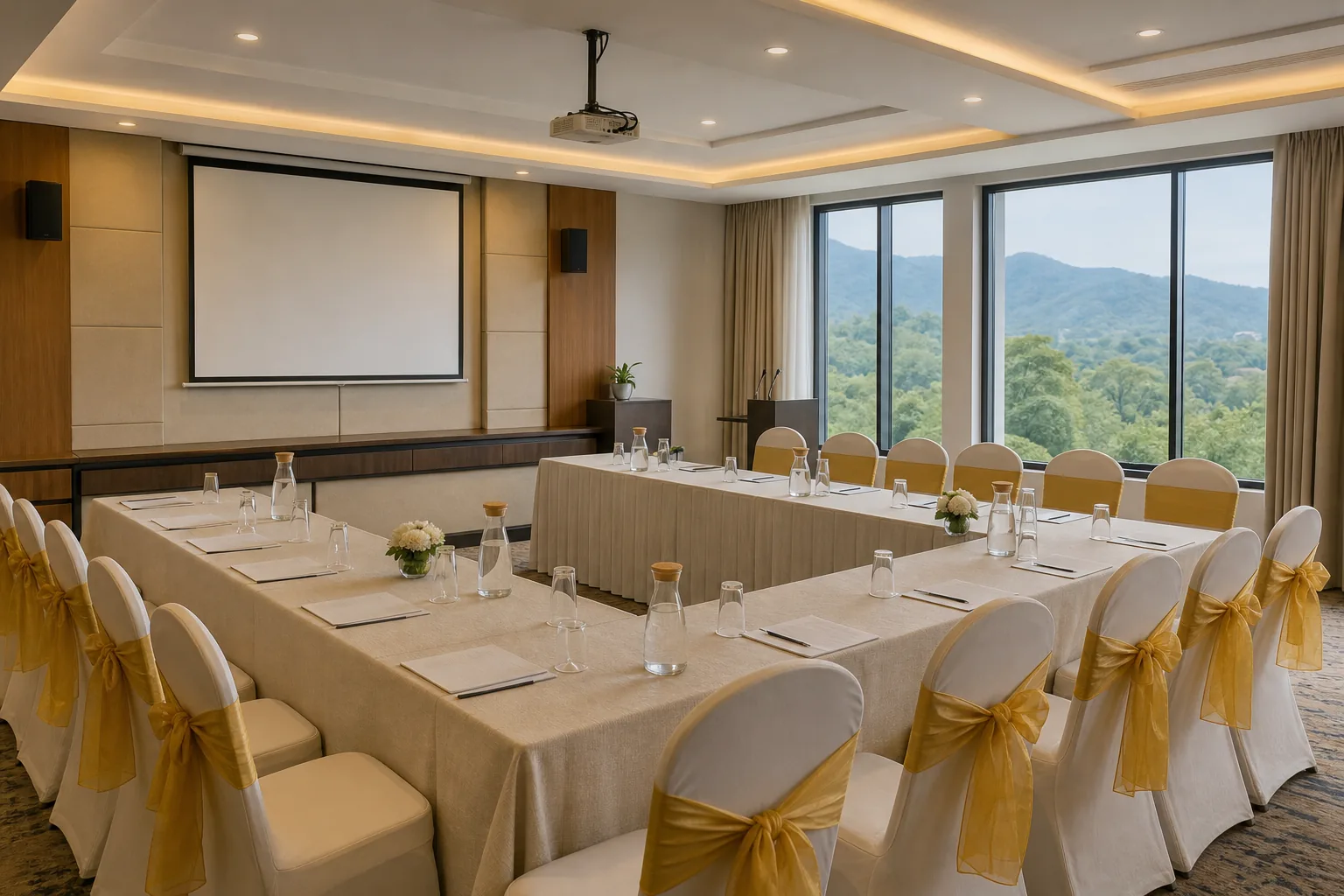
A meeting can lose its rhythm before it starts if the room’s audio or screen setup is hard to use. The right meeting room equipment depends on room size, meeting style and how people will connect.
Start with sound and sight, then check compatibility, room layout and the full cost of setup. For a one-off event, a venue with equipment included may be simpler than buying and maintaining a system.
The Core Equipment: Audio, Video and Displays
Think of a meeting setup as three jobs: let people hear each other, let them see each other, and show shared content clearly. A basic in-person presentation may need only a display or projector, while a hybrid meeting also needs a camera and a way to capture voices around the room.
Audio comes first
For a small space, a speakerphone or a video bar with built-in microphones may cover the table. In a longer room, people seated far from the main device may sound faint. Check where microphones sit and whether everyone can speak from their seat without leaning towards one unit.
Speakers matter too. Test whether voices from remote attendees can be heard at the back of the room without causing echo near the front. If the room has a separate sound system, confirm how it connects to the meeting computer.
Choose video and display by task
A front-facing camera suits a table meeting. A room with a presenter or several seating zones may need a wider view or more than one camera position. Some systems can frame speakers automatically, but check that this feature works with your chosen meeting platform and room layout.
A display works well when people need to view slides, shared documents or remote attendees. A projector can suit a larger audience, but check throw distance, screen placement and room light before settling on it. Keep text large enough for the seats furthest from the screen.
An all-in-one unit combines core audio and video parts in one device, so there are fewer pieces to connect. A modular setup uses separate parts, which can suit a large or unusual room where one unit cannot cover every seat. The trade-off is more cabling and more compatibility checks.
Before booking or buying, write down what the room needs to do. A team discussion and a presenter-led training session may need different camera angles and screen positions.
At Hotel Shiny Grand, meeting equipment includes a projector, screen, sound system, microphone, whiteboard and fast Wi-Fi. See the corporate meeting venue details to check how the room’s equipment fits your event.
Match the Setup to Room Size and Meeting Format
Room size gives you a useful starting point, but the seating plan matters just as much. A camera may cover a short table well and miss people at the far end of a long boardroom. Walk through the room from the seats, not only from the equipment table.
| Room type | Common meeting use | What to check |
|---|---|---|
| Small, about 4 to 6 people | Quick team chats or brainstorming | One clear display view and audio that reaches every seat |
| Medium, about 6 to 16 people | Team reviews or hybrid discussions | Camera view across the full table and microphone pickup at both ends |
| Large, over 16 people | Training, presentations or board meetings | Screen visibility from the back, clear speech, and coverage across the room |
These are planning bands, not fixed rules. Furniture, doors, pillars and the distance between the screen and seats can change what works. A room-layout guide recommends considering table shape as part of the audio and video plan; its conference room layout guidance describes how seating changes the view and sound needs.
For a U-shaped layout, decide whether the camera should face the open end or the presenter. For classroom seating, keep the screen visible from each row and make sure the microphone can pick up questions from participants, not only the person leading the session.
Hotel Shiny Grand’s hall can be arranged for 100 people in theatre style, 70 for round-table dining, 60 in classroom style or 30 in U-shape. Confirm the layout and headcount together, since capacity changes with the arrangement.
When the venue supplies the core kit, you can spend less time arranging separate devices. Still, share your agenda in advance. A session with remote speakers may need a different camera and microphone test from a presentation that uses slides only.
Connectivity, Acoustics, Privacy and Future Features
A device list doesn’t tell you whether the parts will work together. Confirm how a laptop connects to the display, camera, microphone and speakers. Ask whether the setup is wired, wireless or supports both, and whether the chosen meeting platform runs on the host computer or room system.
Check the cables and ports before event day. A short trial with the actual laptop can catch a missing adapter or an audio source set to the wrong device. Label cables by purpose and route them away from walkways, so people don’t trip or unplug a live connection.
Listen to the room itself
Hard floors, bare walls and glass can make speech bounce around. Curtains, carpets or other soft surfaces may help reduce reflections, but test the room before adding anything. Have one person speak from different seats while another listens from the far end or joins remotely.
Ask where the room’s power points are and which devices need them. Confirm who will supply extension leads or cable covers. A plan that accounts for power and cable paths is less likely to need last-minute changes.
Protect the meeting and keep controls clear
Place cameras so they capture the meeting, not nearby private areas. Agree who can start recording or share a screen, and make sure the host knows how to mute microphones. At the end, stop any recording and sign out of shared accounts on the room computer.
Automatic framing or background-noise reduction can be useful in a hybrid session, but treat them as optional features. Check whether they work with your setup and whether participants can turn them off when needed. Don’t pay for a feature before you know which meeting problem it solves.
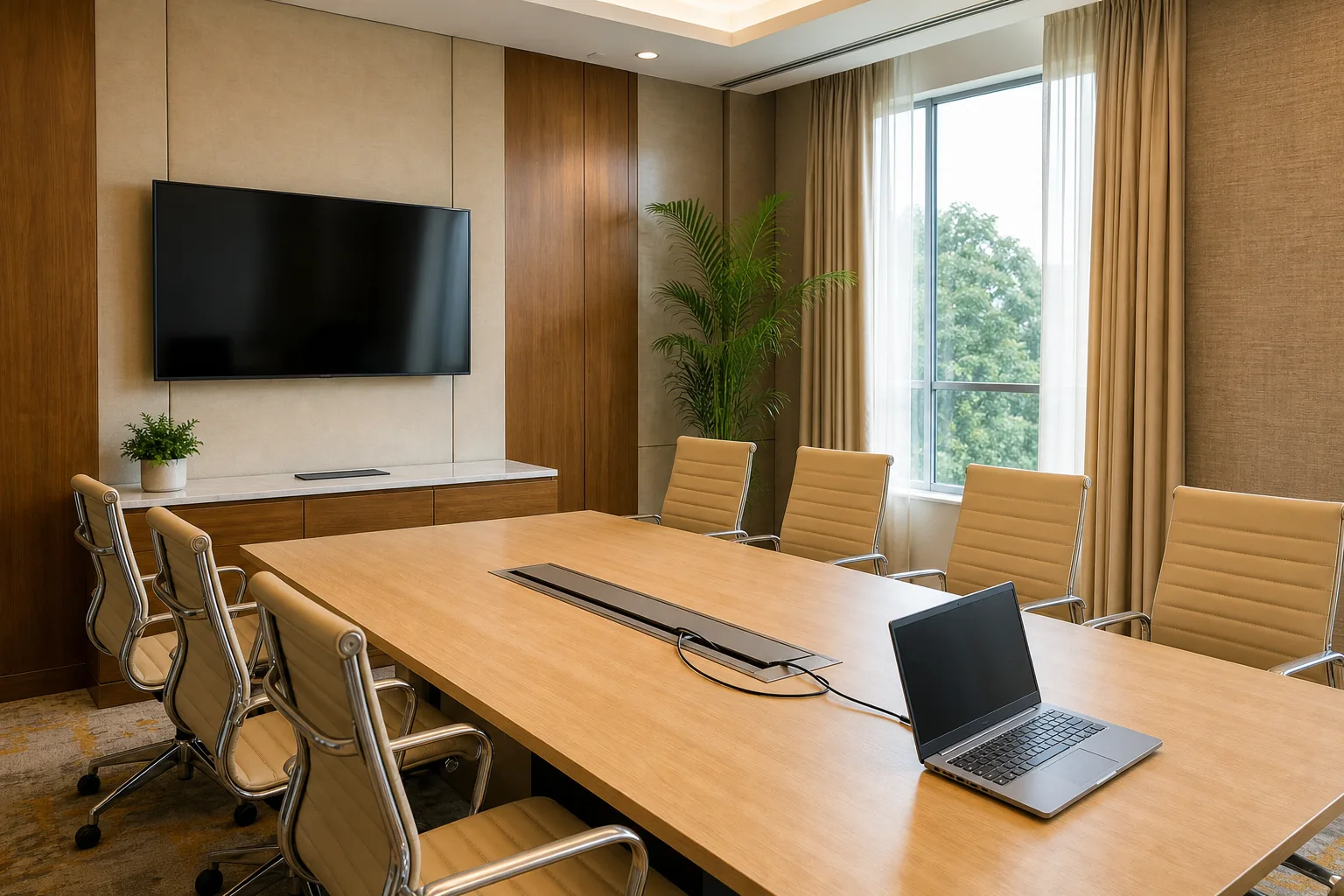
If energy use matters to your organisation, compare the display’s operating needs and available power-saving settings. Some display guidance also covers energy use and wireless sharing; review the meeting display and energy guidance when setting questions for a supplier.
Budget, Installation and Everyday Use
Don’t compare setups by device price alone. Count the full work involved: equipment, mounts, cabling, installation, testing and ongoing upkeep. A modular room may need more time to set up because each part needs a power point and a working connection. An all-in-one unit can reduce the number of separate parts, though it still needs a room test.
For an owned system, ask for an itemised scope. Check what is included in installation and who handles faults after handover. Ask the installer to demonstrate a full meeting, including switching the display input and muting the room microphone.
For occasional meetings, a venue package can avoid buying equipment that sits unused. Hotel Shiny Grand’s half-day corporate meeting packages start at ₹15,000 and are negotiable. The package includes a working lunch, tea and coffee, with GST invoicing available. Confirm event timing, seating and any specific connection needs before finalising.
For an event with colleagues travelling in, sort out the room booking alongside the meeting plan. The hotel’s arrival and hotel room cancellation details can help attendees plan their stay as well as their meeting day.
Write a short handover note for whoever opens the room: which cable to use, how to select the screen input, where the microphone mute control is and whom to contact if a device fails. Then run the same check before each event. Simple habits often prevent a small setup issue from delaying the whole session.
If you need to hire a venue rather than equip an office, ask for the included AV list and the layout capacity in writing. For a room you own, make one person responsible for testing connections and keeping cables in order.
Frequently Asked Questions
What equipment does a meeting room need?
A meeting room needs equipment that lets people hear each other, see shared content and, for hybrid meetings, see and hear remote participants. A basic presentation may need a display or projector with a connection for the presenter’s laptop. Add a camera and suitable microphones when remote attendees need to join the discussion.
What is the difference between all-in-one and modular meeting room equipment?
All-in-one equipment combines core audio and video parts in one unit, which can mean fewer separate connections. Modular equipment uses separate devices, giving planners more choice over camera and microphone placement. It can suit larger rooms, but you’ll need to check that each part works with the others and plan its power and cabling.
How do I choose equipment for a large meeting room?
Start with the seating plan and the furthest seat from the screen. Check whether everyone is visible to the camera and whether microphones can pick up speech across the room. Test for echo, then confirm the display can be read from the back. A walk-through with the planned furniture in place is more useful than judging from room size alone.
What AV equipment is included at Hotel Shiny Grand?
Hotel Shiny Grand includes a projector, screen, sound system, microphone, whiteboard and fast Wi-Fi for meetings. The hall can seat 100 in theatre style, 60 in classroom style or 30 in U-shape. Half-day corporate meeting packages start at ₹15,000 and are negotiable. Confirm your layout and event needs when enquiring.
Conclusion
Choose equipment around the room’s seating and the way people will meet, then test every connection before the session. If you need a meeting space in Guwahati with AV included, review Hotel Shiny Grand’s direct booking details and enquire about your preferred date and layout.
For equipment standards, the Bureau of Indian Standards publishes standards for many electronic products, and delegates staying extra days can find ideas on the Assam Tourism website.
To book direct, visit hotelshinygrand.online or WhatsApp +91 91815 56418.