Home › Blog › Meeting Room with Projector: What to Check
Meeting Room with Projector: What to Check
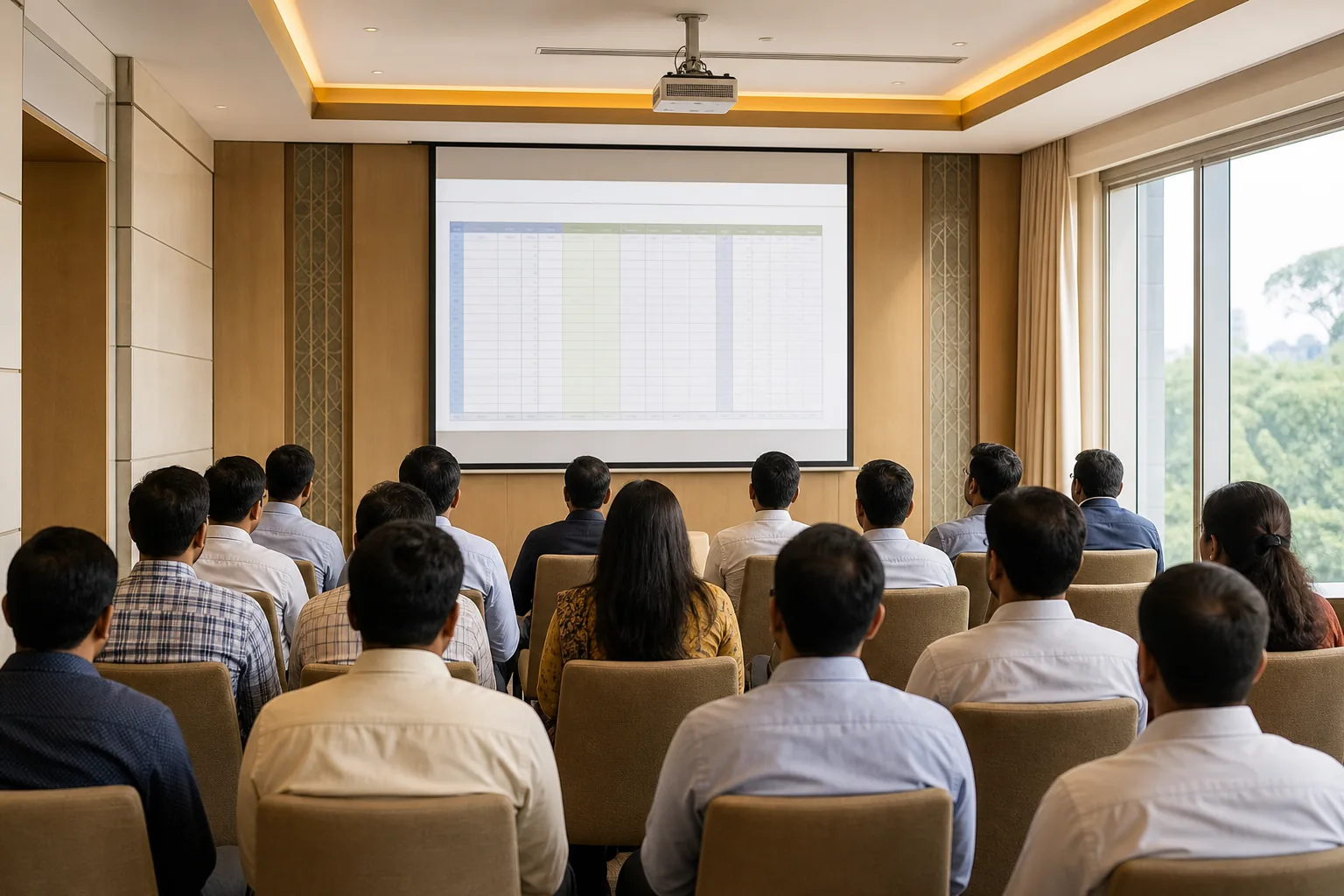
A meeting room with projector works only when everyone can see the screen and connect without a scramble. Check image quality, room layout, audio, hybrid meeting needs and the full price before you book.
What Makes a Projected Image Easy to See?
Start with the people at the back of the room. They should be able to read the smallest text you plan to show without leaning forward. Ask about the screen size and where it sits in relation to the seats. A large image can still be hard to read if the text is tiny or the screen is too far away.
Room light matters too. In a bright space, a faint image can lose contrast, especially on slides with pale text or fine charts. Ask whether the room can be darkened, and request a test with the lights set as they’ll be during your session. Check that colours look distinct and that small labels stay clear. This matters when a team is reviewing figures, not just watching a video.
Resolution is the level of detail the image can show. For text-heavy slides and spreadsheets, ask to see a sample slide at the intended screen size. Don’t judge it from a blank screen or a colourful title slide. For the projector’s position, ask how far it sits from the screen. The ratio of that distance to the projected image width is called the throw ratio.
If the projector can’t sit squarely in front of the screen, ask how the venue corrects the image shape. Lens shift moves the image optically; keystone correction adjusts it digitally. These settings can help with awkward placement, but a straight, centred setup is a good starting point.
Connections, Hybrid Meetings and Room Controls
Before booking, ask what a guest’s laptop needs to connect. HDMI is common, while USB-C may suit newer laptops. A wireless option can save time, but confirm how it works and whether it supports the devices your team will bring. Bluetooth and Wi-Fi can serve different roles, so don’t assume that one means the other is available for screen sharing.
Bring the actual presentation device if you can. Test the cable, display settings and sound before participants arrive. If you rely on a guest’s own device, also known as BYOD, check whether they’ll need an adapter or an app. Ask if the room’s setup works with your video-conferencing platform, camera and microphone. Compatibility should be tested with the meeting account and device you plan to use.
For a hybrid session, remote attendees need to see and hear the people in the room. A projector shows shared content to the room, but it doesn’t provide a camera or room microphone by itself. Confirm what audio and video equipment is included, where it sits and whether people at the far end of the table can be heard. Plan how both in-room and remote attendees will participate.
Some larger workplaces use central control software to manage screens and room devices, sometimes with one-touch start-up. For a single booking, focus on the parts you’ll use: who turns the system on, how to switch inputs and who can help if the image drops. If the projector connects to a company network, ask how guest access is handled. Use an approved network and avoid entering confidential credentials on a shared device.
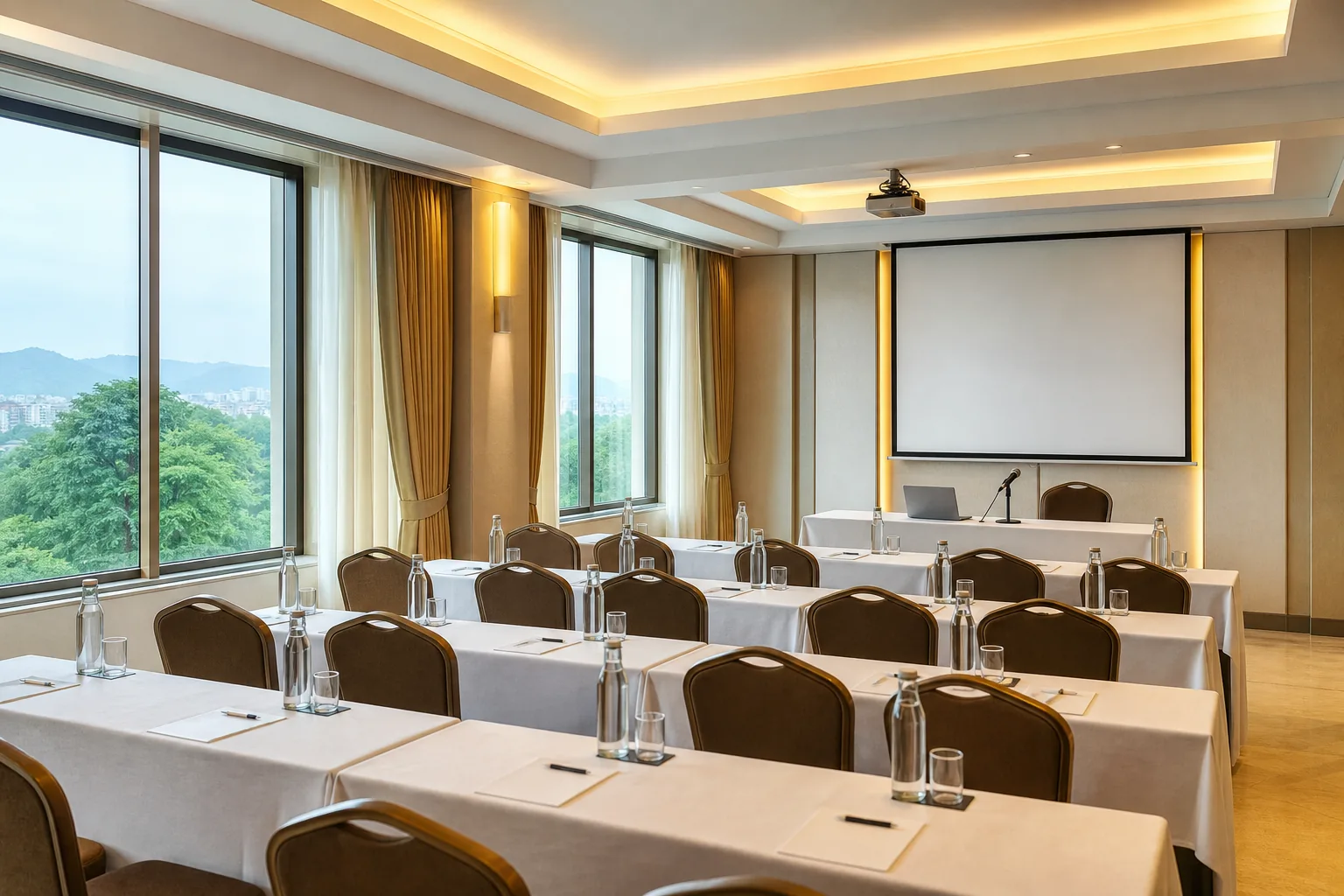
Hotel Shiny Grand’s meeting hall includes a projector and screen, sound system, microphone, whiteboard and Wi-Fi. Its corporate meeting venue details show the available layouts and capacities. Confirm your laptop connection and hybrid setup with the team before the event.
Audio, Projector Life and Ongoing Care
A presentation can look clear and still fail if people can’t hear the speaker. Ask whether the room has a sound system and microphone, then test both from the seats furthest away. For a hybrid call, test whether remote participants can hear questions from the room. A projector’s built-in speaker may suit a small room, but larger groups often need the venue’s room audio. Check what is included rather than assuming.
If you’re choosing a projector for a space your organisation manages, ask about its light source and expected upkeep. Lamp and laser models have different maintenance needs, so request the maker’s stated light-source life and the cost of routine replacement or service. Treat those figures as planning inputs, not a guarantee of how long a device will last in your room.
Ask who handles routine lens cleaning, filter checks and firmware updates. Dust on the lens can affect the image, while old firmware may cause connection issues. The venue should also explain who to contact if the input changes or the projector overheats. Keep ventilation clear around installed equipment.
For an important session, arrive early enough to test a complete run-through. Connect the laptop, open the actual slides, play any video with sound and check the microphone. Keep a wired connection available if wireless sharing fails. That small check can prevent a delay once guests are seated.
Choosing a Meeting Room and Checking the Setup
Choose the layout based on what people must do. Theatre seating suits a talk where most attendees face the screen. Classroom seating gives people a place to write. U-shape seating can support discussion, but only if everyone can see the screen without turning away for long stretches.
Match the layout to your headcount, not the room’s biggest advertised capacity. Hotel Shiny Grand’s air-conditioned hall seats up to 100 theatre-style, 60 in classroom layout, 30 in U-shape and 70 for round-table dining. A group of 30 in U-shape has different needs from 60 people taking notes, so confirm the exact layout when asking for a quote.
| What to check | Question to ask | Why it affects your choice |
|---|---|---|
| Screen and seats | Can the last row read the smallest slide text? | Room capacity is useful only if attendees can see the content. |
| Connection | Which ports or wireless steps will my device need? | You can bring the right cable or adapter. |
| Sound and hybrid setup | Are the microphone, speakers and video-call devices included? | Remote attendees need to hear the room, not only see slides. |
| Layout | What is the capacity in my preferred arrangement? | Changing the layout can reduce the number of seats. |
| Price and inclusions | What does the quoted amount cover, and what is extra? | You can compare the full event cost, not just the room hire. |
| Support | Who will help if the display or audio stops working? | A named point of contact saves time during the meeting. |
At Hotel Shiny Grand, half-day corporate meeting packages start at Rs 15,000 and are negotiable. They include a working lunch, tea and coffee, with GST invoicing available. Ask for an itemised quote that confirms timing, seating, equipment and any other charges. If attendees are travelling, the hotel’s hotel room cancellation policy and booking terms can help them plan their stay.
For a Guwahati meeting, location can affect how easily your team reaches the venue. Hotel Shiny Grand is in Borjhar, near LGBI Airport, and has free on-site parking for 15 or more vehicles. Check arrival plans with attendees and confirm the meeting start time, access arrangements and room setup with the venue.
Frequently Asked Questions
What should I check before booking a meeting room with a projector?
Check that people at the back can read the screen, then confirm your device can connect. Ask what audio equipment is included and whether the room supports your hybrid meeting setup. Confirm the capacity for your chosen seating layout. Finally, request an itemised quote with the room hours, equipment and food inclusions in writing.
How do I know if a projector screen is large enough?
Ask the venue to show a slide with small text from the furthest seat. The text should be readable without people leaning forward. Screen size alone doesn’t settle the question because viewing distance, room light and slide design also affect clarity. If possible, test the actual presentation in the room before the meeting begins.
What connections should a meeting room projector have?
Ask which wired ports are ready, such as HDMI or USB-C, and whether you need an adapter. If you plan to share wirelessly, request the exact connection steps and check that they work with your device. Test your own laptop before the event, since a venue’s listed connection options don’t guarantee that every device will connect without setup.
How much does a corporate meeting room cost in Guwahati?
At Hotel Shiny Grand, half-day corporate meeting packages start at Rs 15,000 and are negotiable. The package includes a working lunch, tea and coffee, and GST invoicing is available. Ask for an itemised quote that confirms your timing, layout and equipment needs. The final amount should match the details agreed for your meeting.
Does Hotel Shiny Grand have a projector and screen?
Yes, Hotel Shiny Grand includes a projector and screen in its meeting hall, along with a sound system, microphone, whiteboard and Wi-Fi. The hall seats up to 100 theatre-style, 60 classroom-style or 30 in U-shape. Confirm the layout and connection needs when you enquire so the room is set for your session.
For official information, see Assam Tourism and India.gov.in.
Conclusion
Choose a venue only after you’ve checked the screen from the back row and tested the connection your team will use. For a meeting in Guwahati, ask Hotel Shiny Grand for an itemised half-day quote and confirm the layout and AV setup through its meeting and banquet booking page. You can also WhatsApp +91 91815 56418.